 PPTX Export
Convert Figma Designs to PPT — Free, No Signup
No account. No email. No file upload. Open Figma, run the plugin, get a .pptx — three conversions a month, free, with the text still editable.
Three clicks from frames to a deck
The converter lives inside Figma, so there is nothing to upload and nothing to sign up for. Select frames → Export to PPTX → download.
Will your deck convert cleanly?
Tick whatever your design uses. This is the same rule set the converter applies when it decides between a native PowerPoint object and a labelled picture — so you know the answer before you spend an export.
Tick a few boxes to see what the converter would do.
Nothing is sent anywhere — this runs in your browser, like the plugin runs in yours.
A converter you do not have to trust with your design
Most web converters ask you to upload the thing you are trying to protect. For a personal moodboard, fine. For an unreleased product, a client's brand refresh, an investor deck under NDA — that upload is a decision someone in legal would like to have been asked about.
This converter runs where your design already lives. Your frames, text, images and fonts stay inside Figma. Pro connects only to our licensing service to check the paid subscription period.
The practical upside: no queue, no upload time, no file-size limit imposed by someone's server, and nothing to delete afterwards.
Free vs Pro
The free tier is a real tier, not a demo: full quality, full report, embedded fonts, no watermark.
Free
$0
forever
- 3 conversions per month
- Full quality and full report
- Embedded fonts, no watermark
- Failed exports do not count
Pro
$12/month
or $69/year — save 52%
- Unlimited conversions
- Everything in Free
- License key, no account needed
Frequently asked
Do you output .ppt or .pptx?
We write .pptx. It is what PowerPoint 2016+, Microsoft 365, PowerPoint for Mac and web, Keynote and Google Slides all read, and it is the format that can carry editable shapes and embedded fonts. If someone specifically demands the ancient .ppt, open our file in PowerPoint and use Save As.
Is it really free?
Three exports every month, free forever, with no signup, no email and no watermark — full quality and the full report. Failed exports do not count against the quota, and it resets on the 1st. Unlimited exports are $12/month or $69/year.
Where does my design go?
Nowhere. Conversion happens inside Figma on your machine. Pro sends only a license key to our licensing service; your designs are never uploaded.
How long does a conversion take?
About six seconds for a five-slide deck. Photo-heavy decks take longer, mostly spent rendering image fills; the progress bar shows which stage you are in rather than a fake percentage.
What if the result is not good enough?
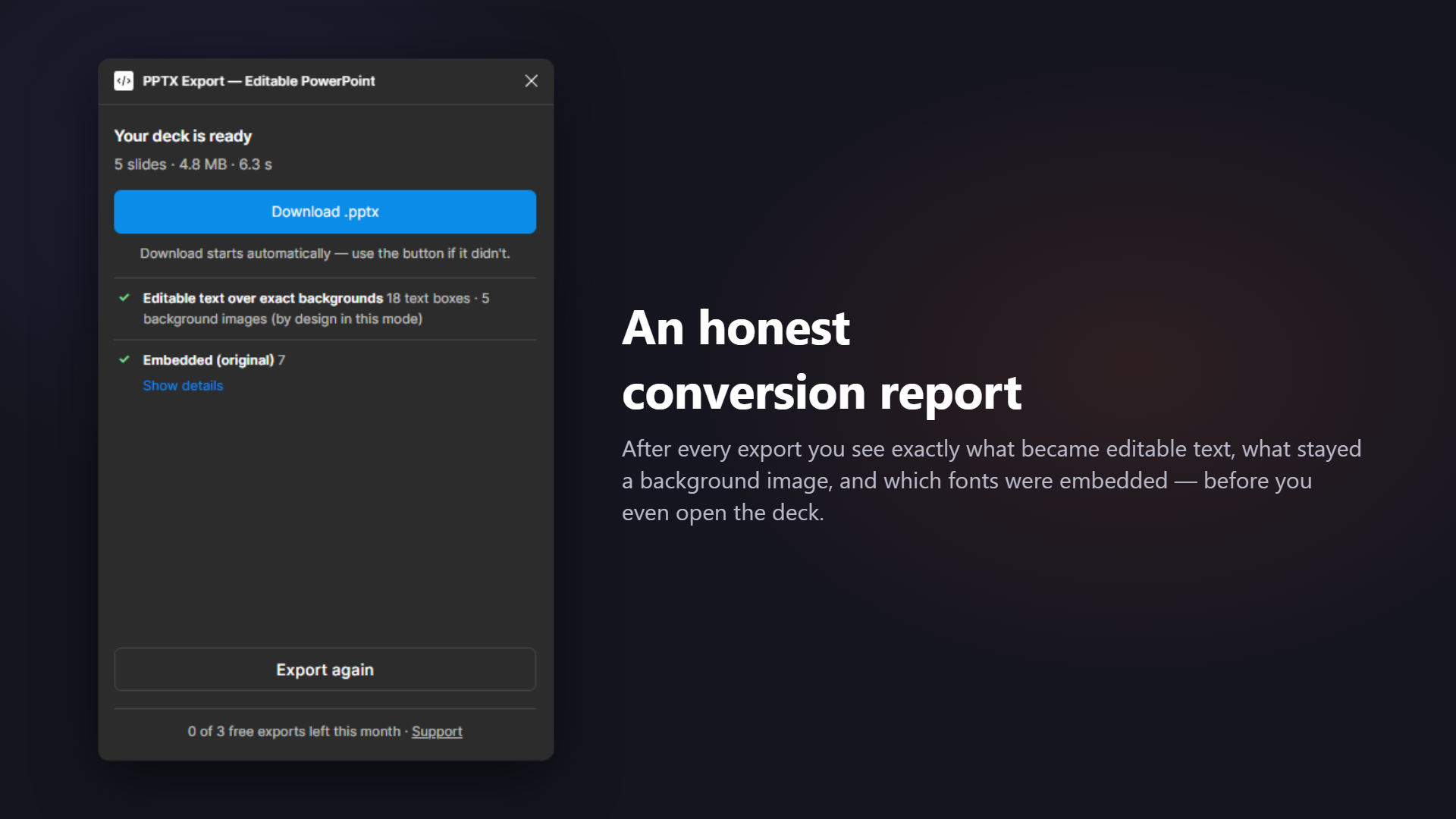
Read the conversion report — it names every node that could not convert natively and why. Usually the fix is small: flatten a mask, swap a conic gradient for a linear one, or upload your .ttf. And since failed exports do not burn quota, retrying costs nothing.
Related: What is inside the .pptx · The conversion report · Comparing the paid alternatives
Hand off a deck people can actually edit
Editable where possible, embedded where it matters, transparent always — that's the whole promise.